
Auto shop job board
Every car in the shop, on one screen.
Most shops run on a whiteboard, a clipboard and whoever remembers. The board is the same idea with a memory: one card for every car, one column for every stage it passes through, and a drag to say it moved. The texts, the calendar, the reports and the books all read from it, so nothing gets typed twice.
30-day money-back guarantee. No contract.
Rather see it first? Book a live demo
Feel it yourself.
If you can drag a card, you can run Carvikon. That's the whole learning curve.
Body
2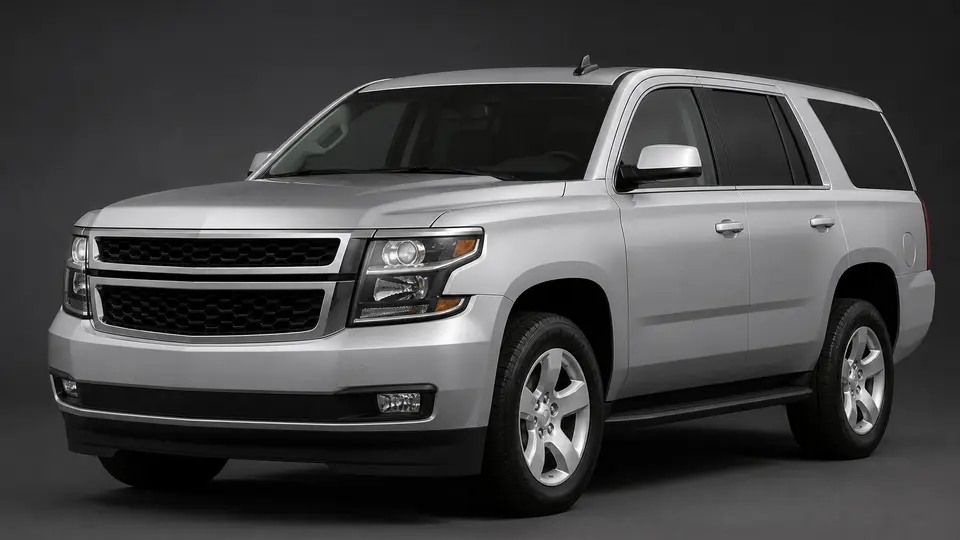
2018 Chevy Tahoe
VIN 1GNSKBKC4JR283056
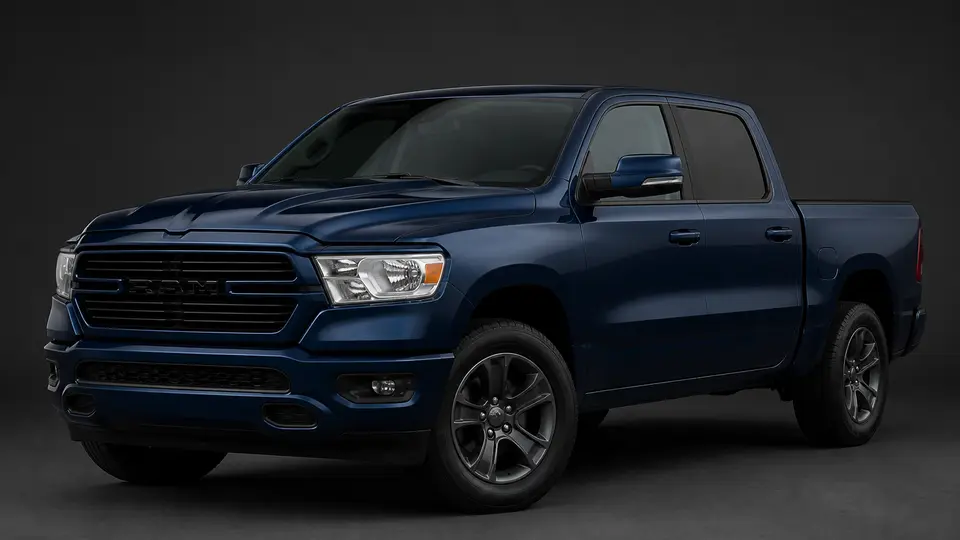
2021 Ram 1500
VIN 1C6SRFFT5MN745018
Paint
1
2020 VW Jetta
VIN 3VWC57BU4LM085431
Assembly
0This is the actual product, not a mockup.
Move the card when the work moves.
A card is a car: its year, make and model, who it belongs to and the day it is promised. Add one by typing a VIN, or just "2019 Honda Accord"; Carvikon reads the VIN and fills in the rest. Open a card and the whole job is behind it: the estimate, labor, parts, files, money and a running activity feed of what happened and who did it. On a computer you drag a card to its next stage, or focus it and use the arrow keys. On a phone you tap the arrow to send it forward, or swipe it to pick any other stage. Everyone else sees it move right away, and a calendar view lays the promised dates side by side.
Waiting is a lane, not a hiding place
A car waiting on parts or on an approval stays on the board. Lanes under a stage show why it cannot move yet, so the board shows the shape of the day instead of a pile of cards nobody can explain.
Late cars find you
Set how long a car can sit in each stage. When one goes over its limit you hear about it, and the Overview lists the late work, so you are not the one who has to spot it.
One board, every screen
The board refreshes live, so the bay, the front counter and the owner at home look at the same picture. Pair a shop TV with a code and it shows each vehicle's year, make, model and stage, with no customer names or prices.
Questions shops ask about the board.
If they can drag a card they can run it. There is no module to learn and no form to fill in at the end of the day, because moving the card is the update. Most shops start from the stages their trade already runs, add one real car and move it once; that is enough to learn the main flow.
On a computer, drag the card to the next column, or focus it and use the arrow keys. On a phone, tap the arrow on the car to send it forward, or swipe it to pick any other stage. The change is saved as soon as the card lands, and everyone sees it.
Type the VIN, or the car the way you would say it, such as 2019 Honda Accord. Carvikon reads the VIN and fills in the year, make and model, and you add the customer and the promised day when you have them.
Set how long a car can sit in each stage. A car over its limit means you hear about it, and the Overview lists the late work so you can open the car from there.
Yes. Open the board, choose Show on TV, and pair the TV with the code it shows. It updates by itself whenever anyone moves a car, and it shows each vehicle's year, make, model and stage without customer names or prices.
The board comes with every plan.